
SmartPlates for the Pocket PC runs on any Pocket PC 2000, 2002 or 2003 (HP iPaq, Dell Axim,
Jornada, Casio Cassiopeia, etc.) with a memory card. It's an add-on for
the desktop version of SmartPlates. |

The main screen is where it all begins. Large buttons and text make it easy to use with just a finger -- no need to
fiddle with a stylus while flying!
Much
like a Web browser, use the oversized Home, Next and Previous buttons (at the
top) to navigate quickly and intuitively.
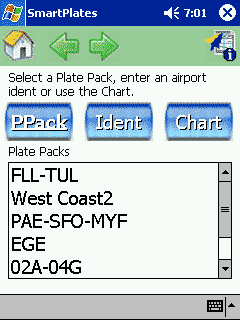
View a Procedure or Diagram by opening a Plate Pack created with the desktop version of SmartPlates (three
Plate Packs shown here).
|
 |

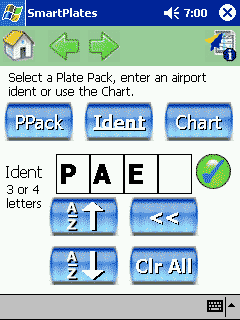
Instead of opening a Plate Pack, you can directly enter an airport ident with
our custom-designed ident picker. Enter with or without the K -- we'll
figure it out. As before, every button is large enough for fingers.
|
 |

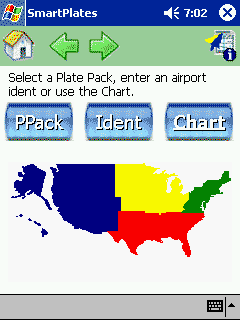
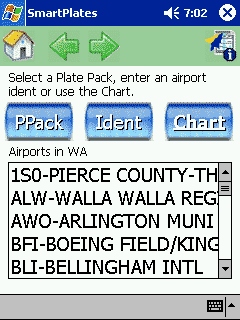
You
can also click a region of the country then drill-down by state.
|
 |

Once you select an airport, just click the Procedure or Diagram you want.
|
 |

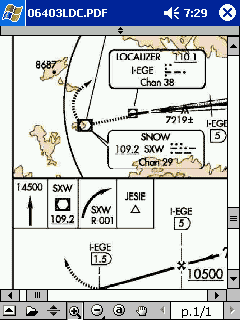
This
is an example of a Procedure (a GPS approach at PAE). Of course, you can
easily move and zoom it as required. |
 |
| |



